
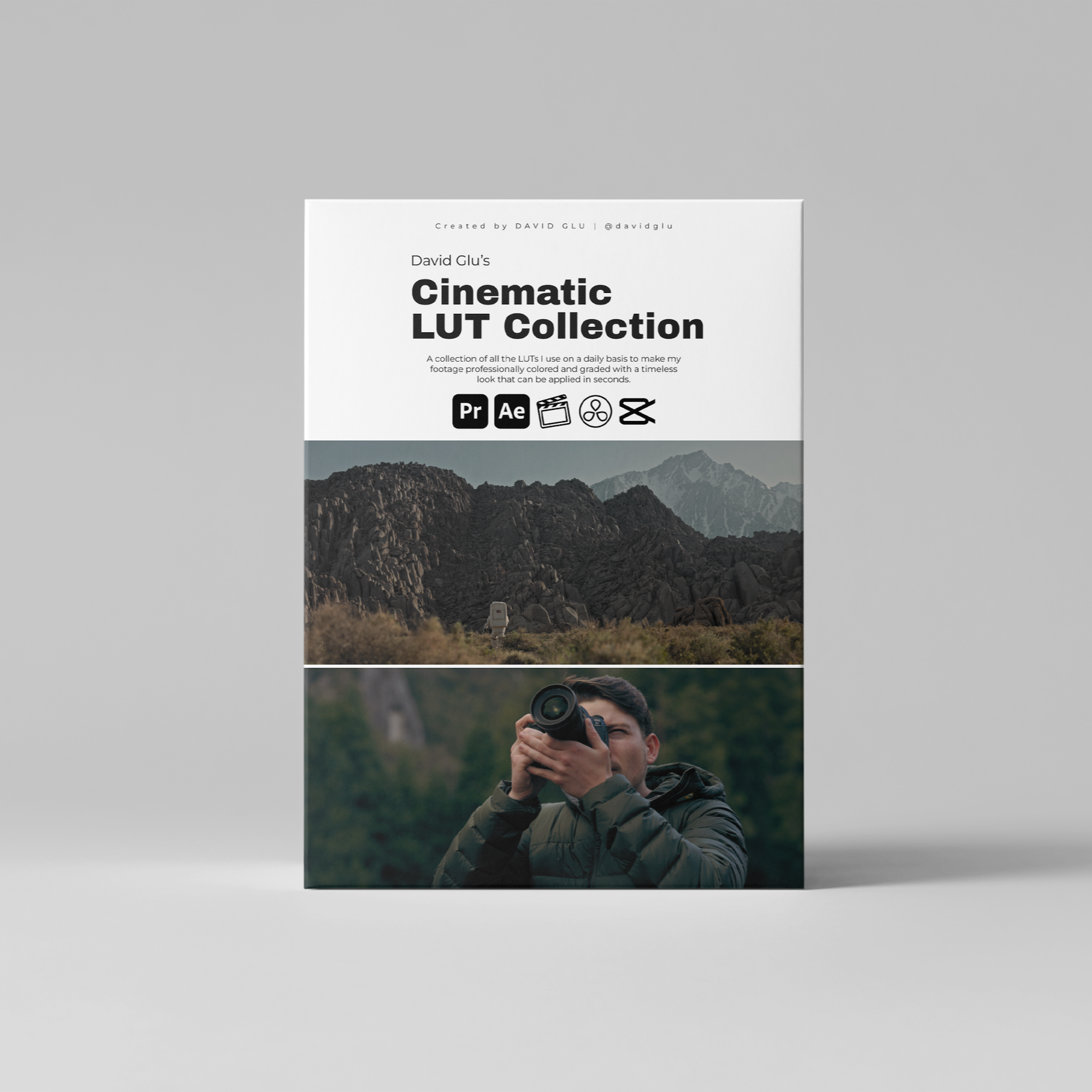
 Image 1 of 6
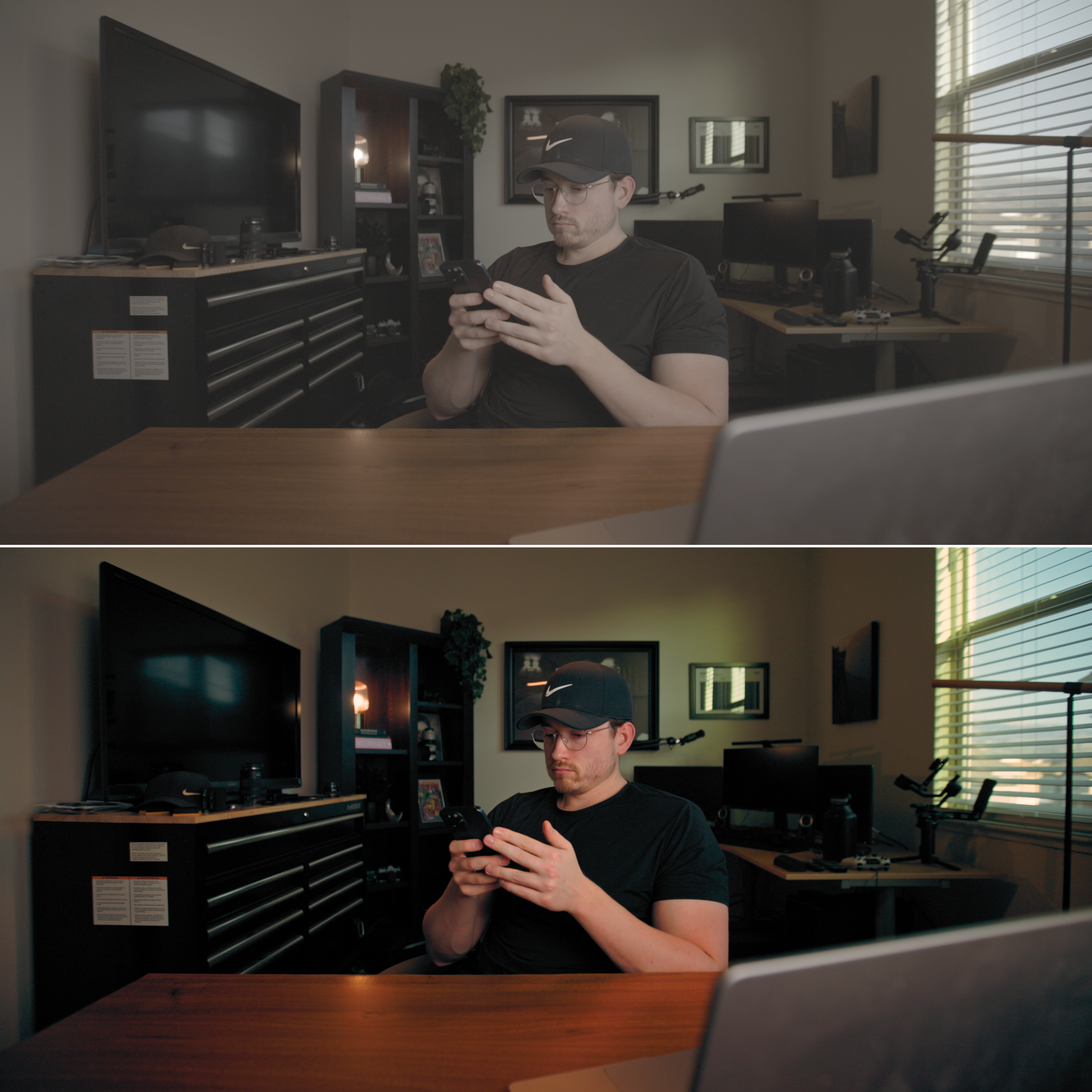 Image 2 of 6
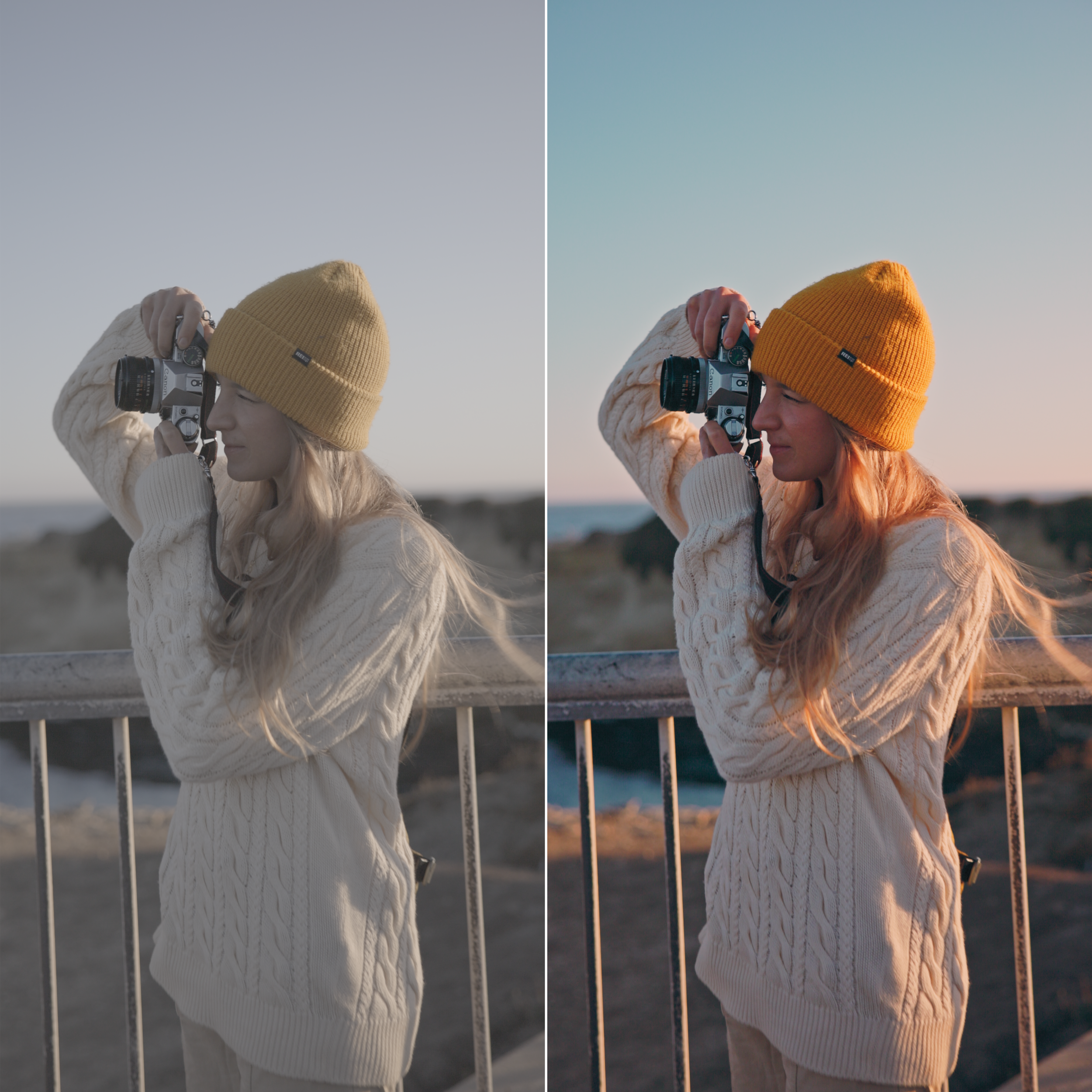 Image 3 of 6
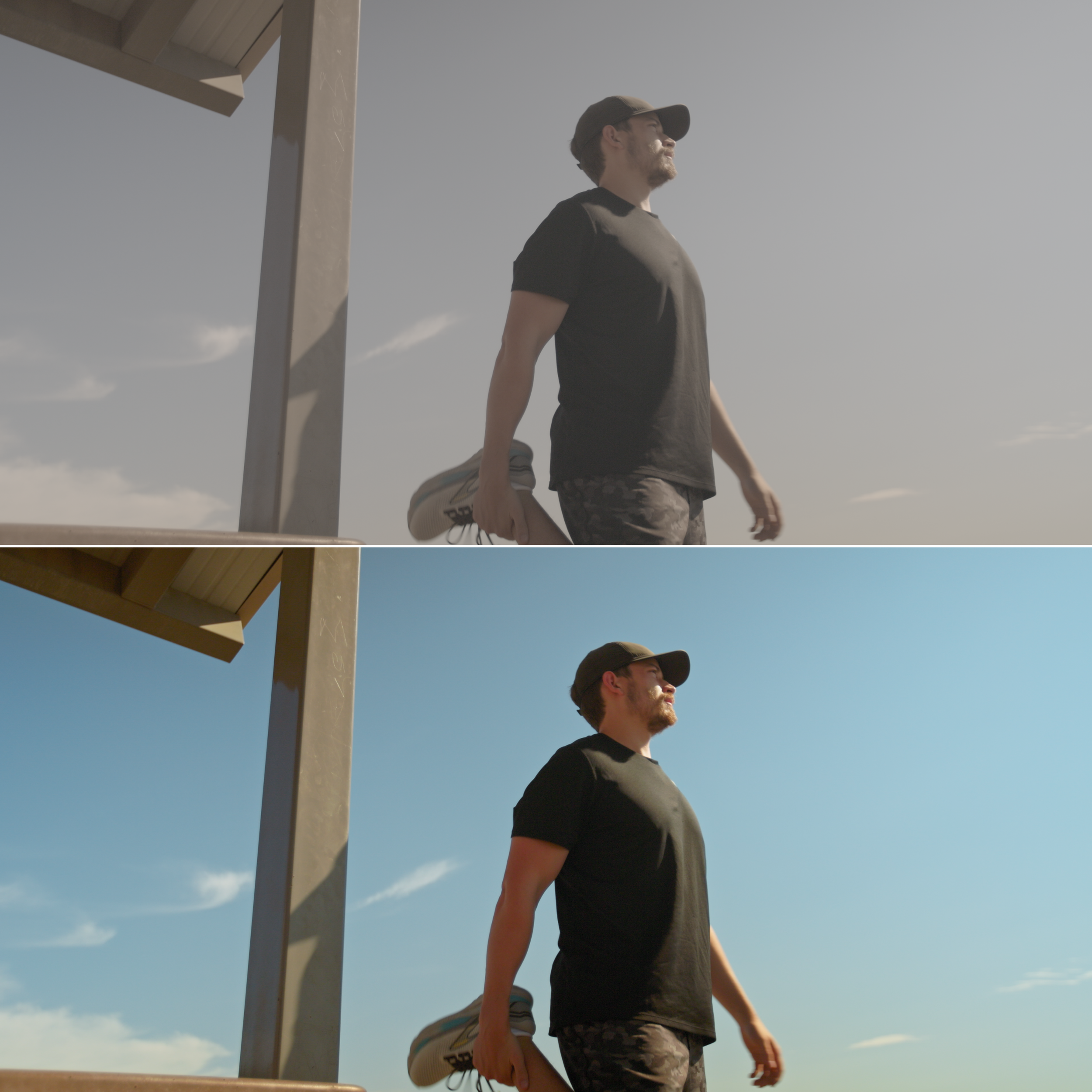 Image 4 of 6
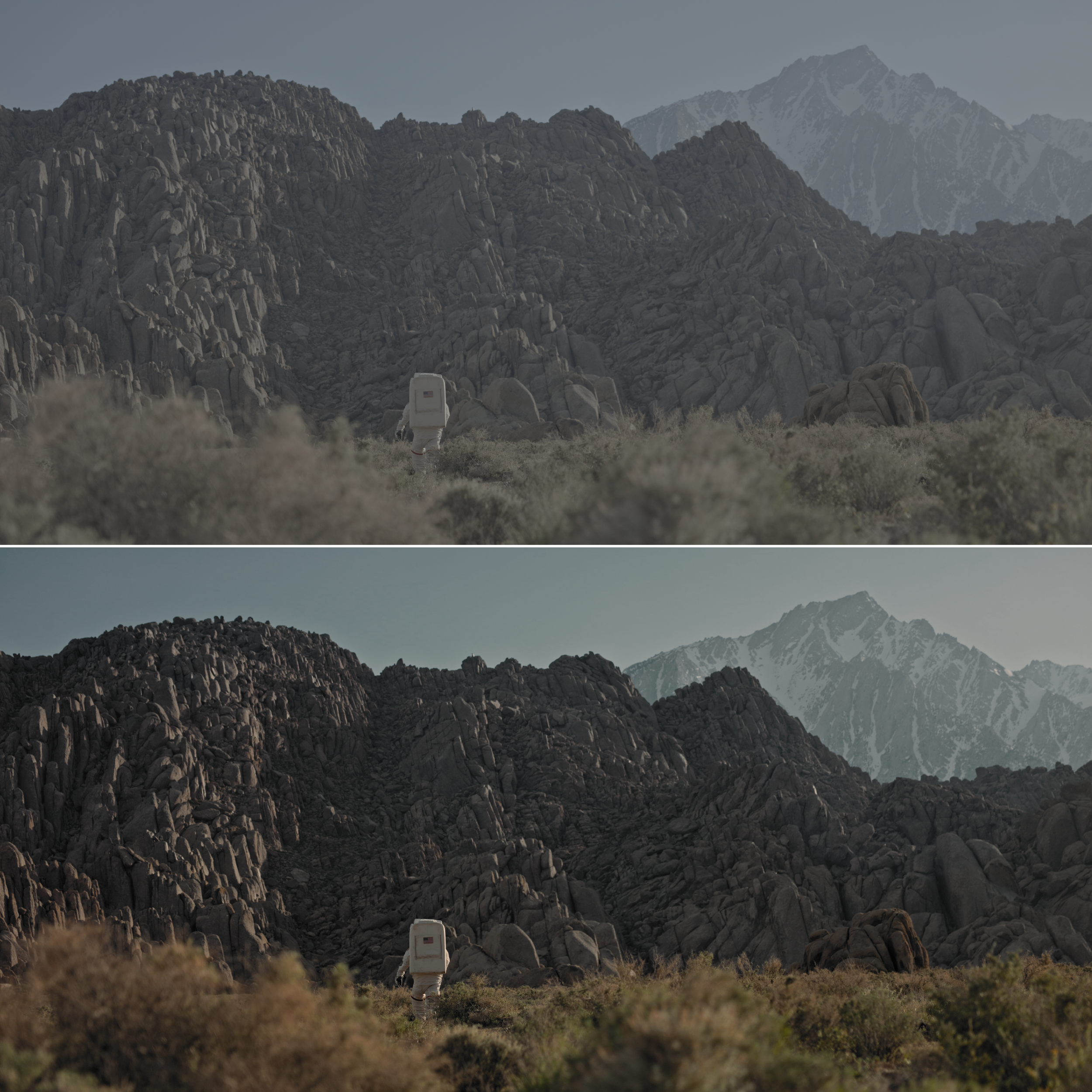 Image 5 of 6
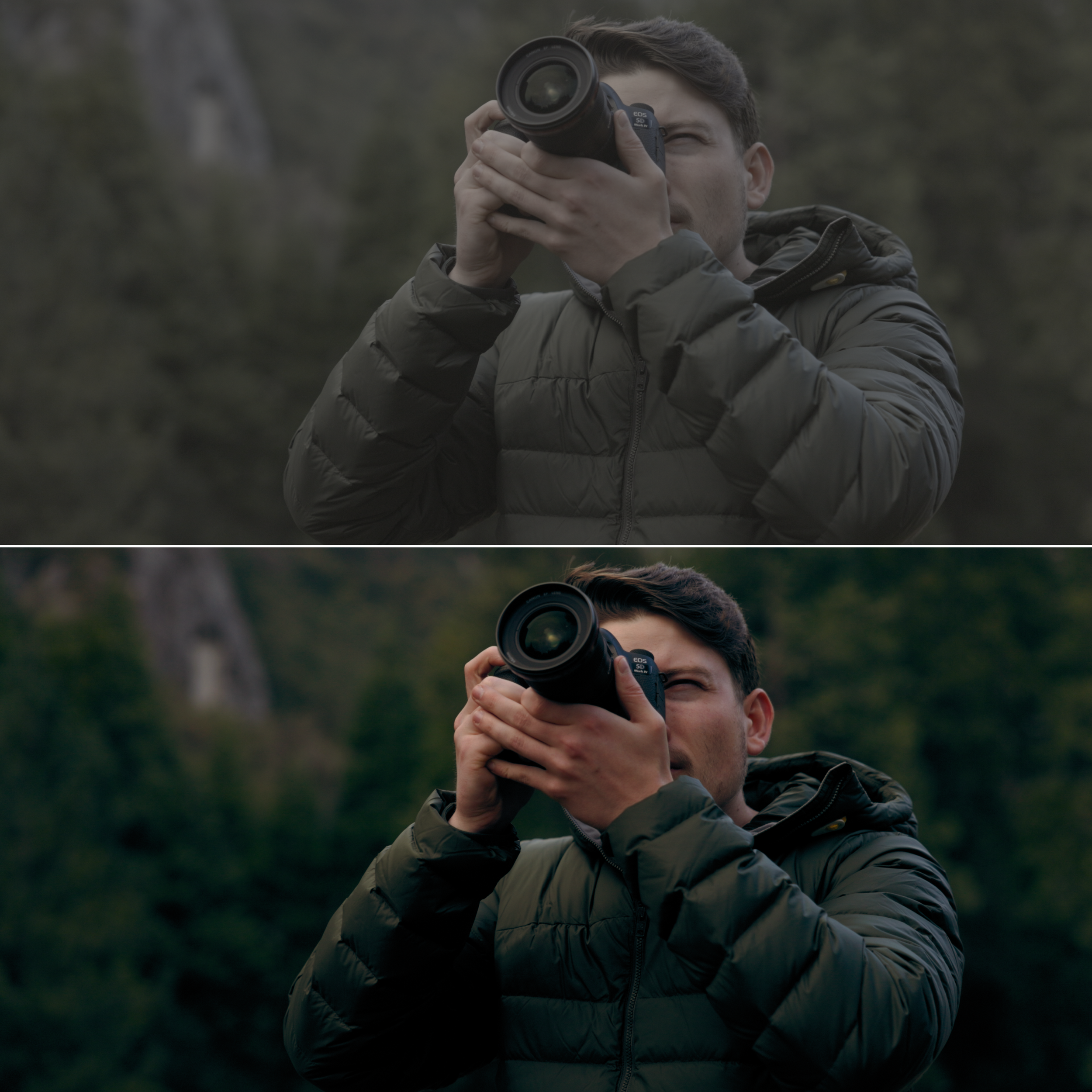 Image 6 of 6
THE DAVID GLU MINI COLOR GRADING COURSE
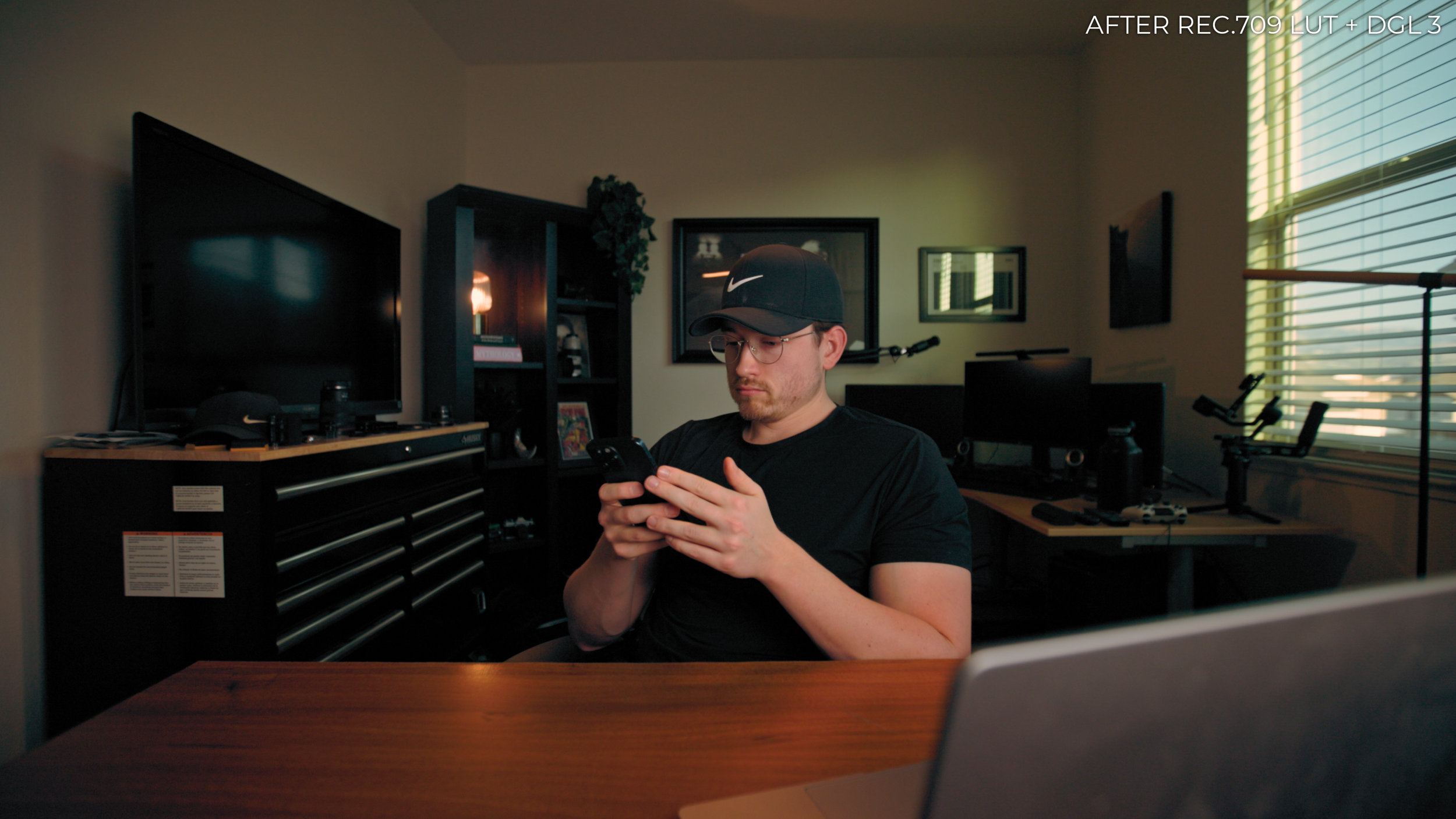
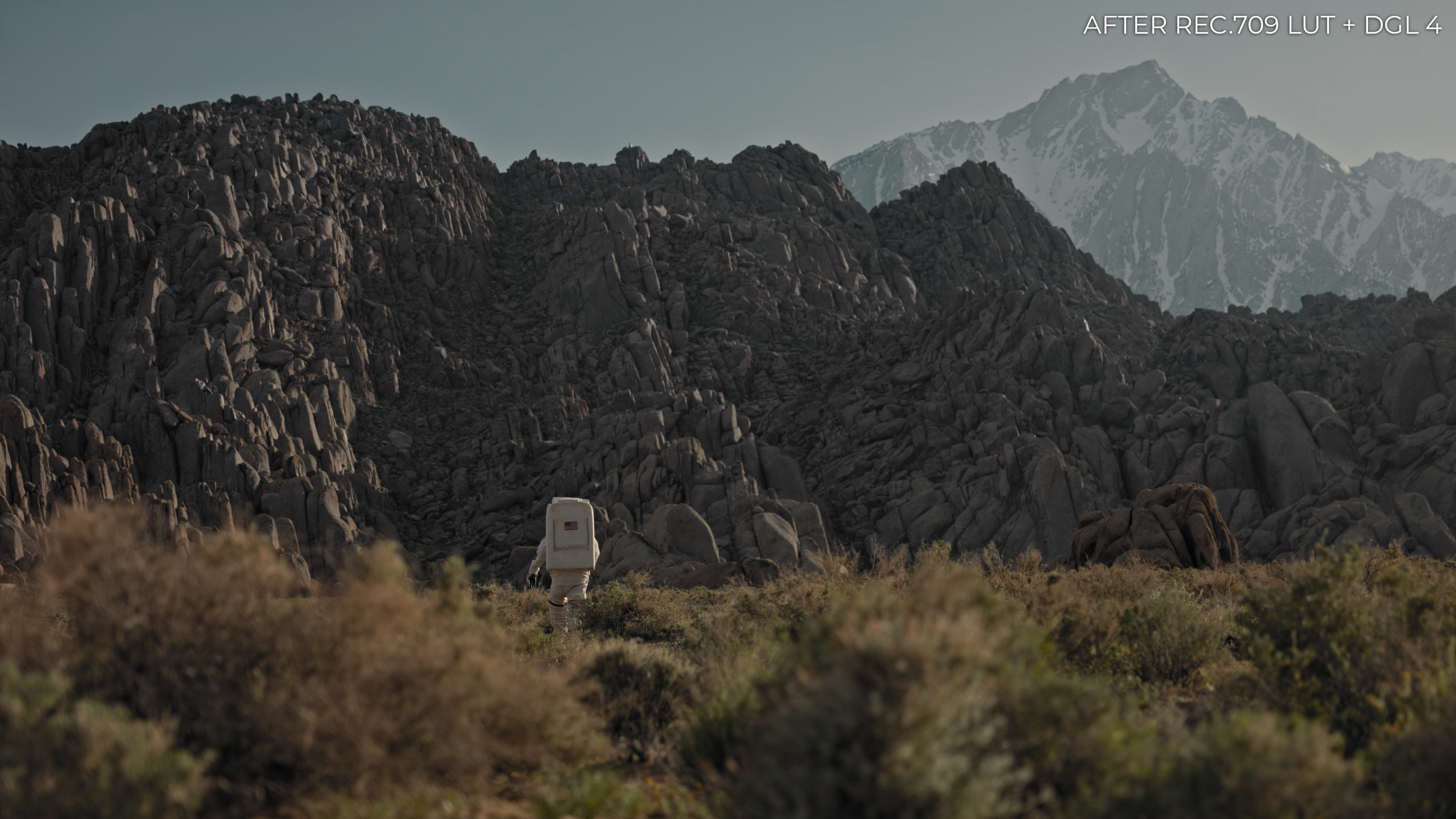
In this “Mini Course,” I break down my color grading workflow with my LUTs into 6 different videos. I show you how to install the LUTs on Davinci Resolve and Adobe Premiere Pro, how to use them properly, and how I use them to make each of them work for my footage no matter the lighting or shooting environment. Everything you need to get these LUTs working for you so you don’t experience any confusion.

WHAT ARE LUTs?
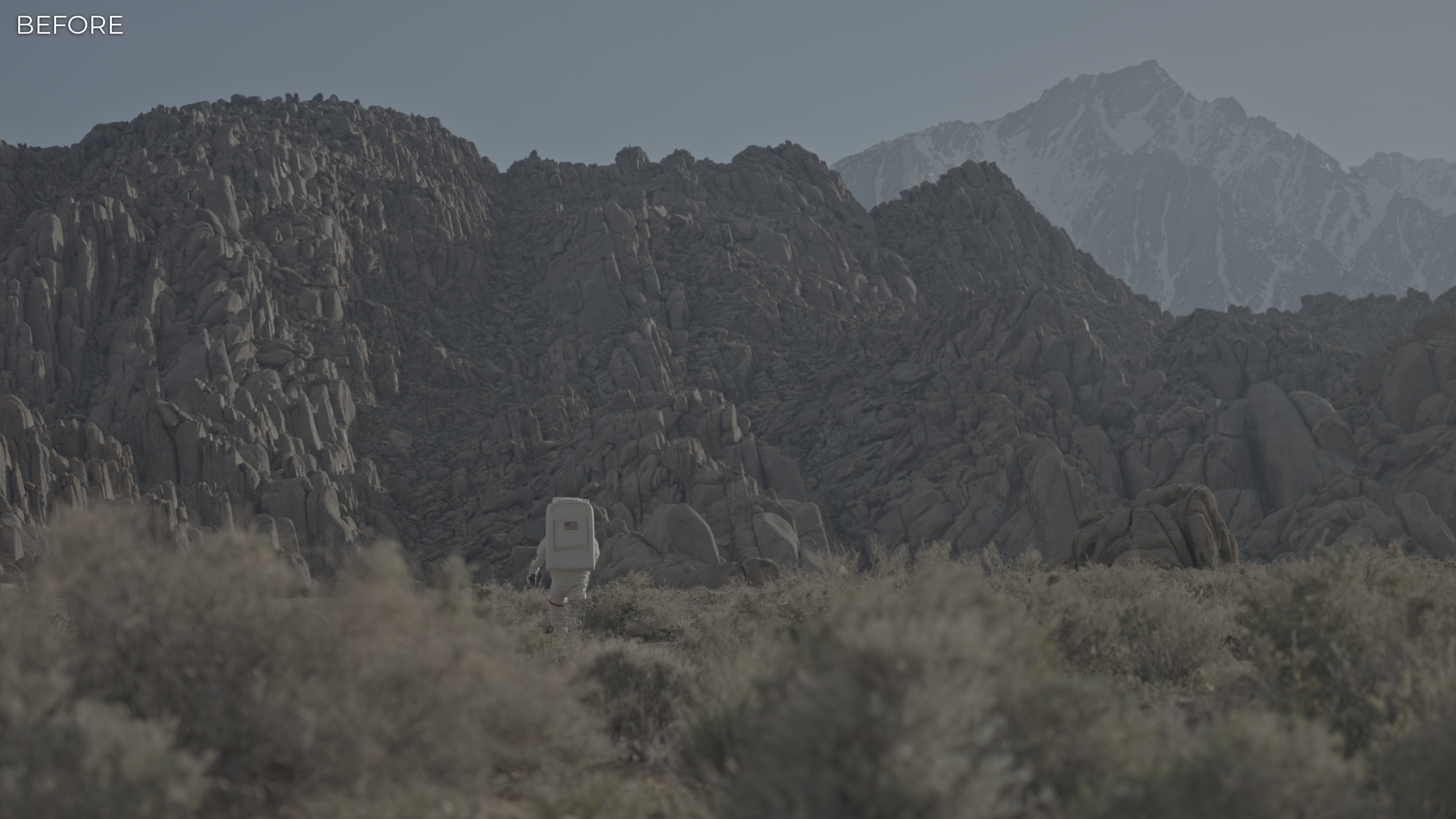
LUTs are an acronym for Look Up Tables. They are applied to footage giving it a specific look that can be applied to give a consistent, professional color grade with on click.
WHEN SHOULD YOU USE LUTs?
These LUTs can be used on any type of footage in any lighting scenario with very minor tweaking to the original footage. Although, LUTs thrive the best on LOG footage. LOG footage being the flattest, most gradable kind of footage, outside of RAW, it gives you so much more flexibility with your footage because of the higher BIT color space and increased dynamic range.
WHY USE LUTs?
LUTs, especially LUTs like these, can save you hours of color grading. Grading can be a tedious process when you trying to match looks across multiple projects. These can give you a consistent style and look to all of your projects, making them unique from everything else you see, but also allow flexibility. Giving you the opportunity to make them work for you.



FAQ
-
Yes, these LUTs will work on your camera. They have been designed to work on LOG footage converted to the Rec.709 color space, which is the industry standard. Check your camera manufacturers website for the LOG to Rec.709 conversion LUT and ensure that you know what LOG format and color space you are shooting in to ensure you use the proper conversion (there will most likely be multiple kinds).
The David Glu Mini Color Grading Course also covers this so be sure to watch those modules covering my color grading workflow.
-
Provided in the ZIP file that will be emailed to you after purchase, there will be a PDF that gives you all the information needed to access the course.